

Edit Your Photos with ImageGenix AI

Upload a photo and describe your edit. Transform portraits, backgrounds, and styles in seconds.

Instant GenerationMultiple StylesProfessional Quality

Image Edit

Upload Image to Edit
0/3

Required (1-3 images)

0/800
Aspect Ratio
Number of Output Images
Credits required
1

Ready to start creating?

Enter your idea on the left, and let AI create amazing visuals for you.

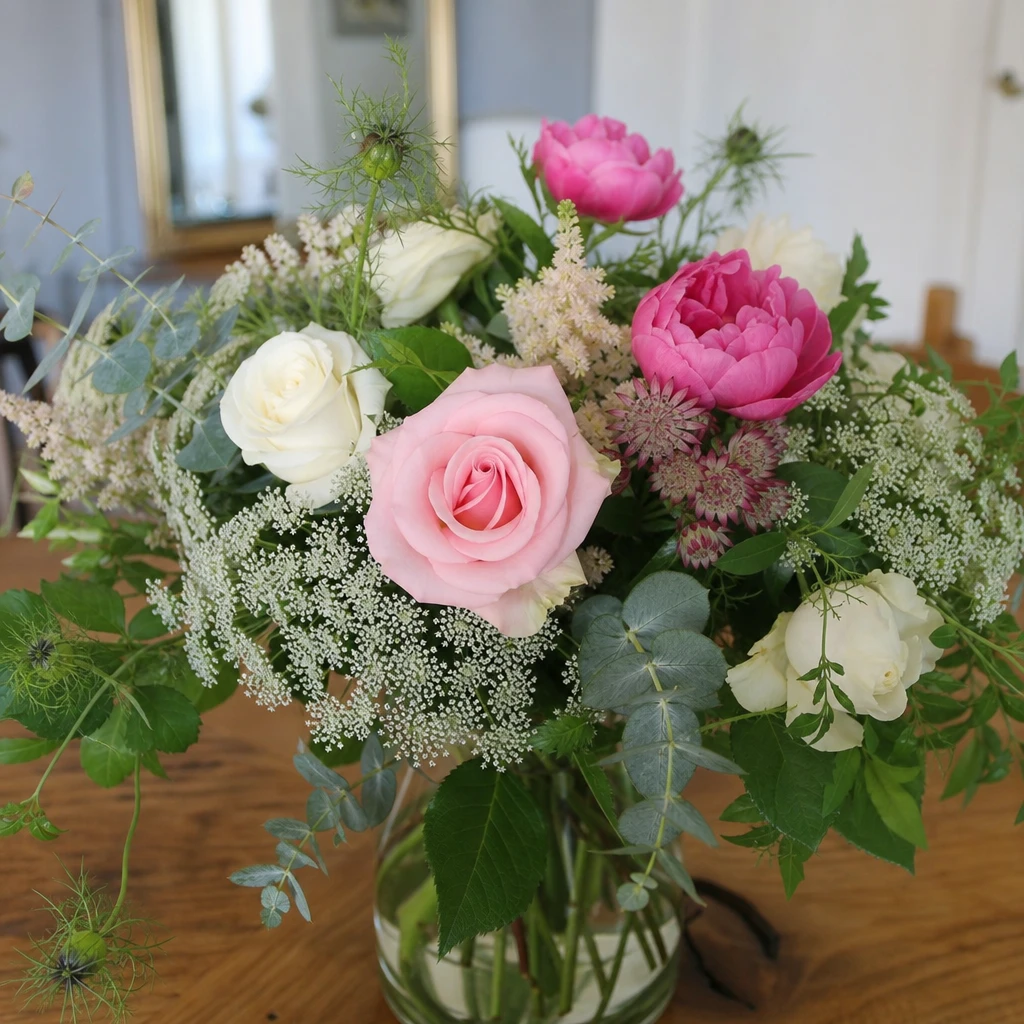
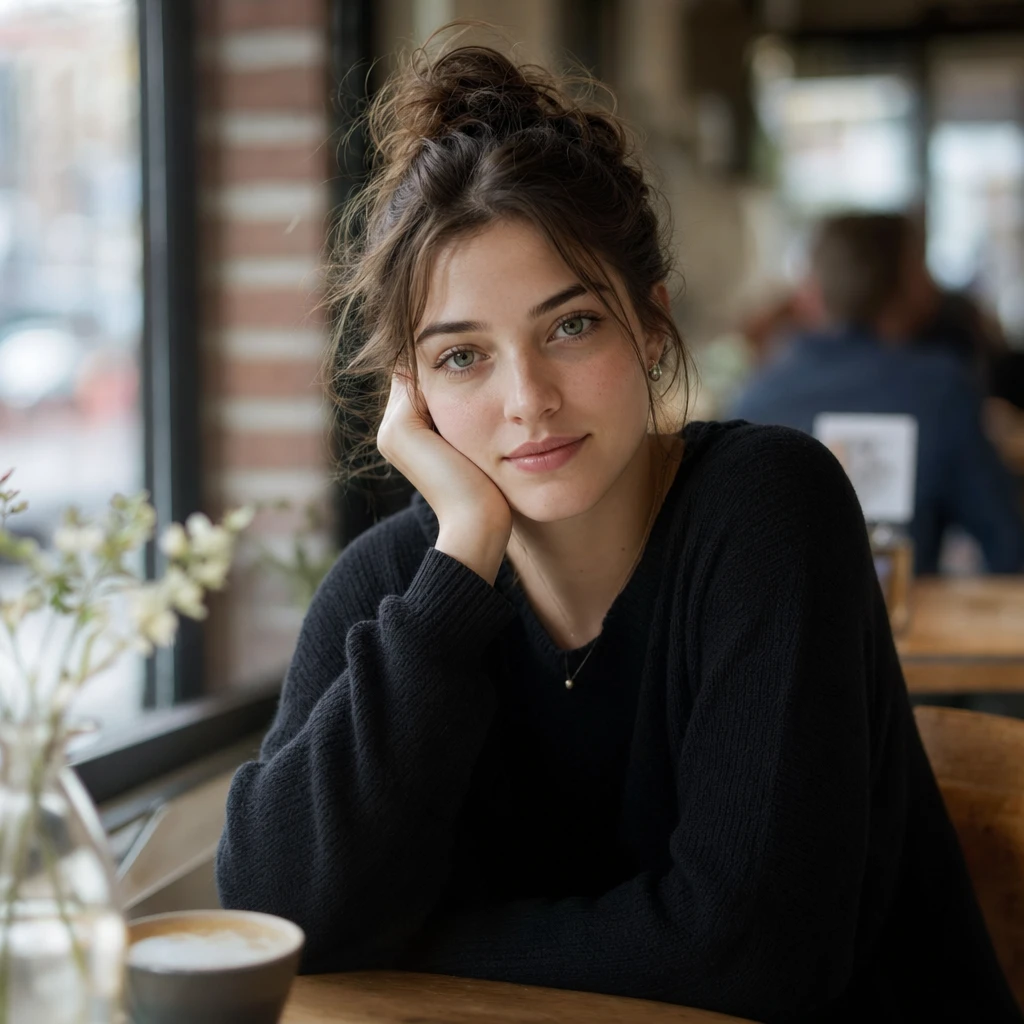
Original
AI Edit

Replace the background with a tropical beach at golden hour. Keep the person's face, pose, and clothing unchanged.

All-in-one AI creative platform
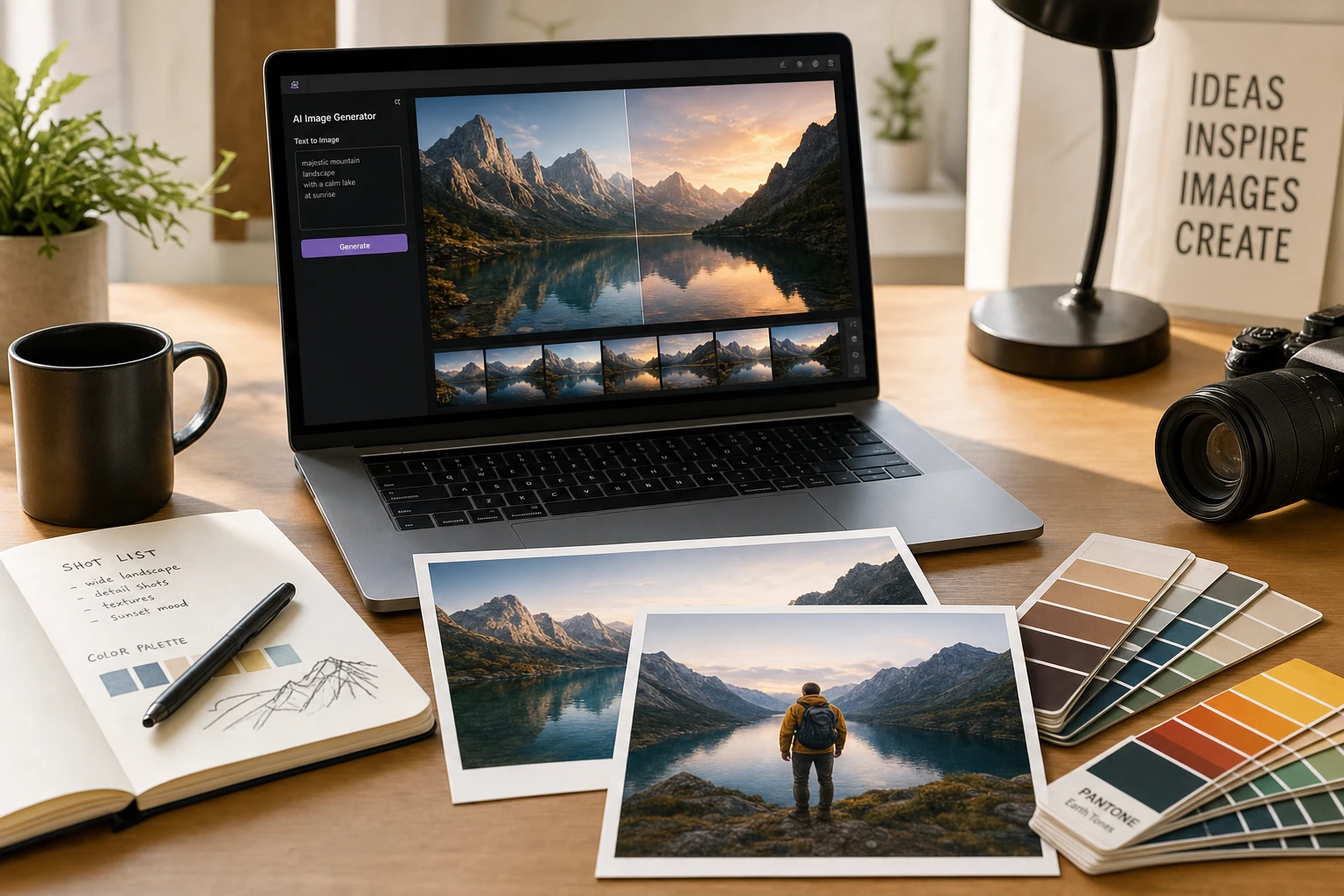
Create, edit, and shoot — all in ImageGenix

ImageGenix brings image editing, text-to-image generation, curated photo packs, and free browser tools into one workspace — no design degree required.

Powered by industry-leading AI, including Alibaba Qwen and OpenAI image models.

Create, edit, and shoot — all in

Why ImageGenix

Built for real creative workflows

Professional results without a studio, plugins, or complex software.
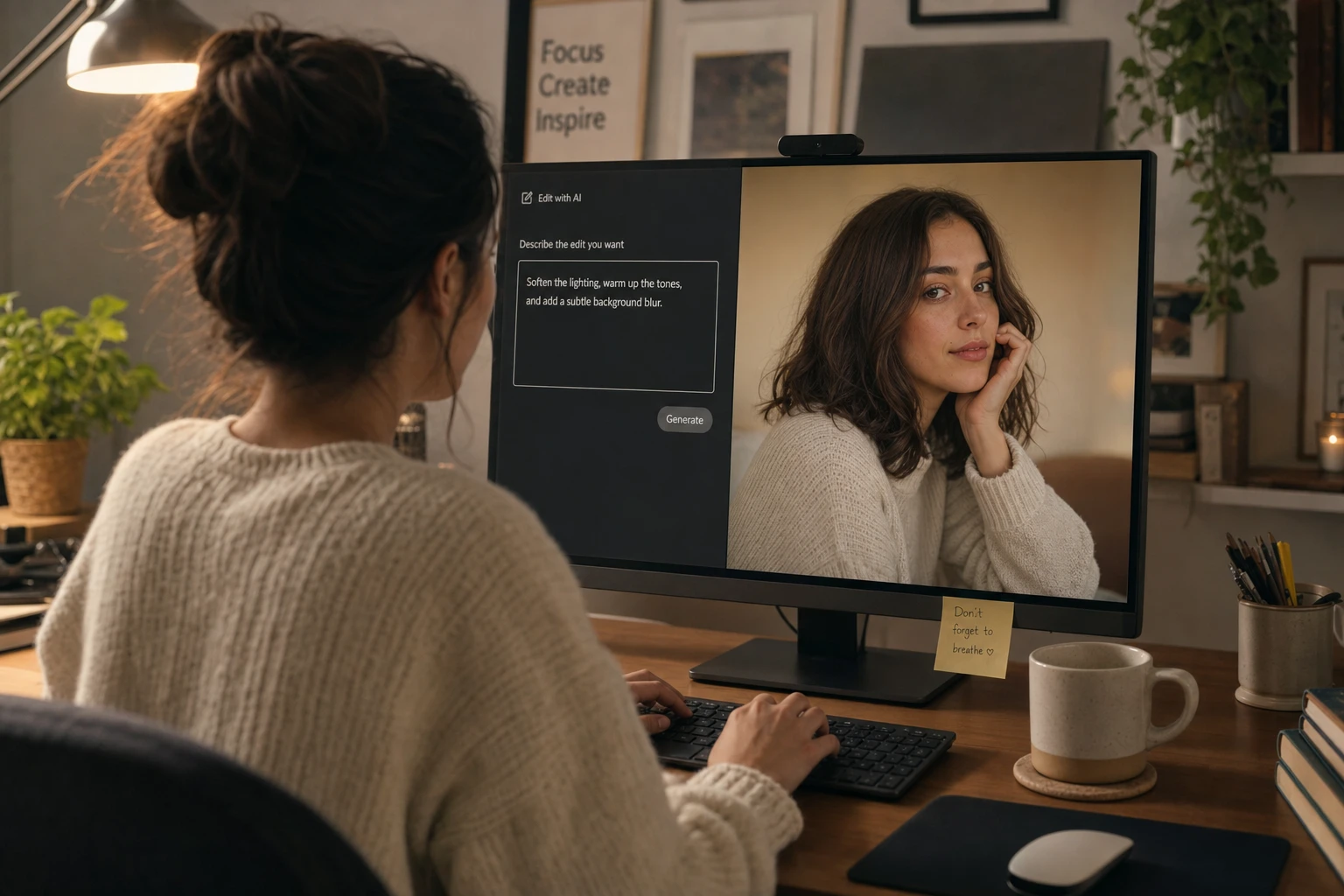
Natural-language control
01

Natural-language control

Tell ImageGenix what to change in plain English — swap backgrounds, relight portraits, or restyle a scene without opening Photoshop.
  • No masks, layers, or node graphs — just describe the outcome you want.
  • The model keeps faces, pose, and composition stable while applying your edit.
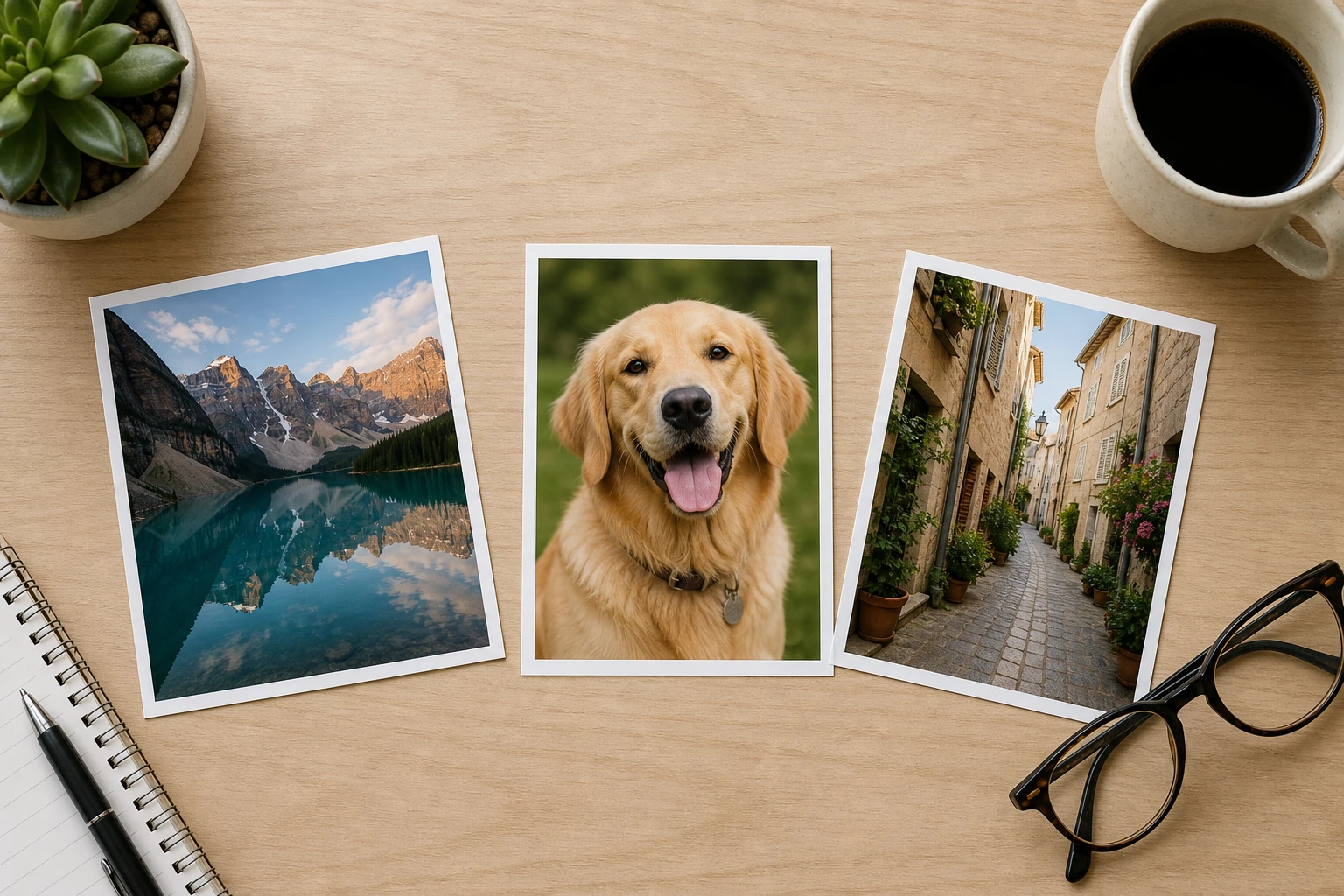
Multi-image input
02

Multi-image input

Bring up to three reference photos into a single edit — combine a subject, a style reference, and a scene in one generation.
  • Great for "put me in this setting" or "match the look of image two" workflows.
  • Works in Image Edit and Photo Packs when you need consistent identity across outputs.
Photo Packs in one upload
03

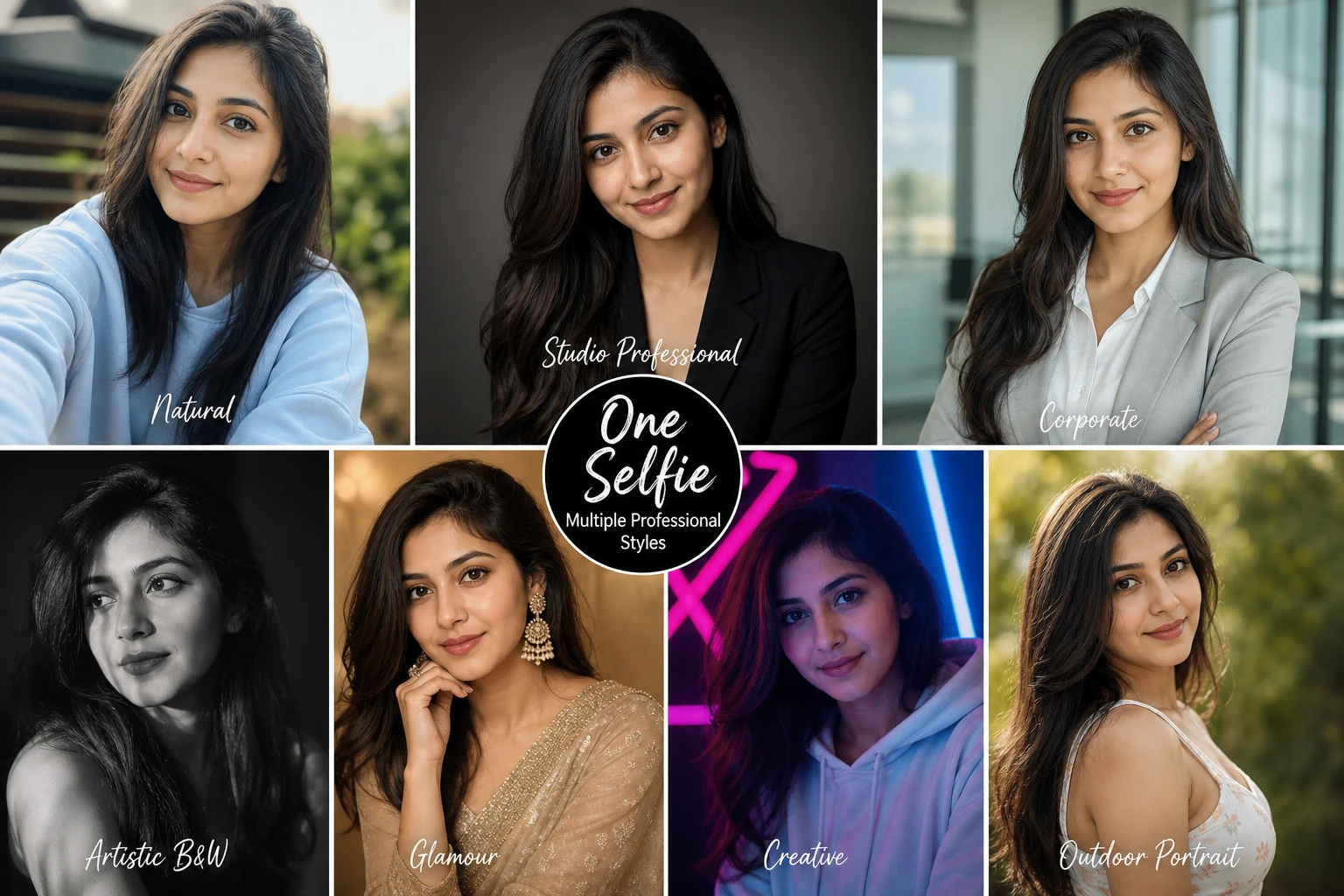
Photo Packs in one upload

Skip booking a photographer. Pick a curated pack, upload one selfie, and get a full set of on-brand portraits in minutes.
  • Dozens of professional styles — corporate, lifestyle, creative, and more.
  • Every shot uses the same face and quality bar, ready for LinkedIn, websites, or campaigns.
16+ free AI tools
04

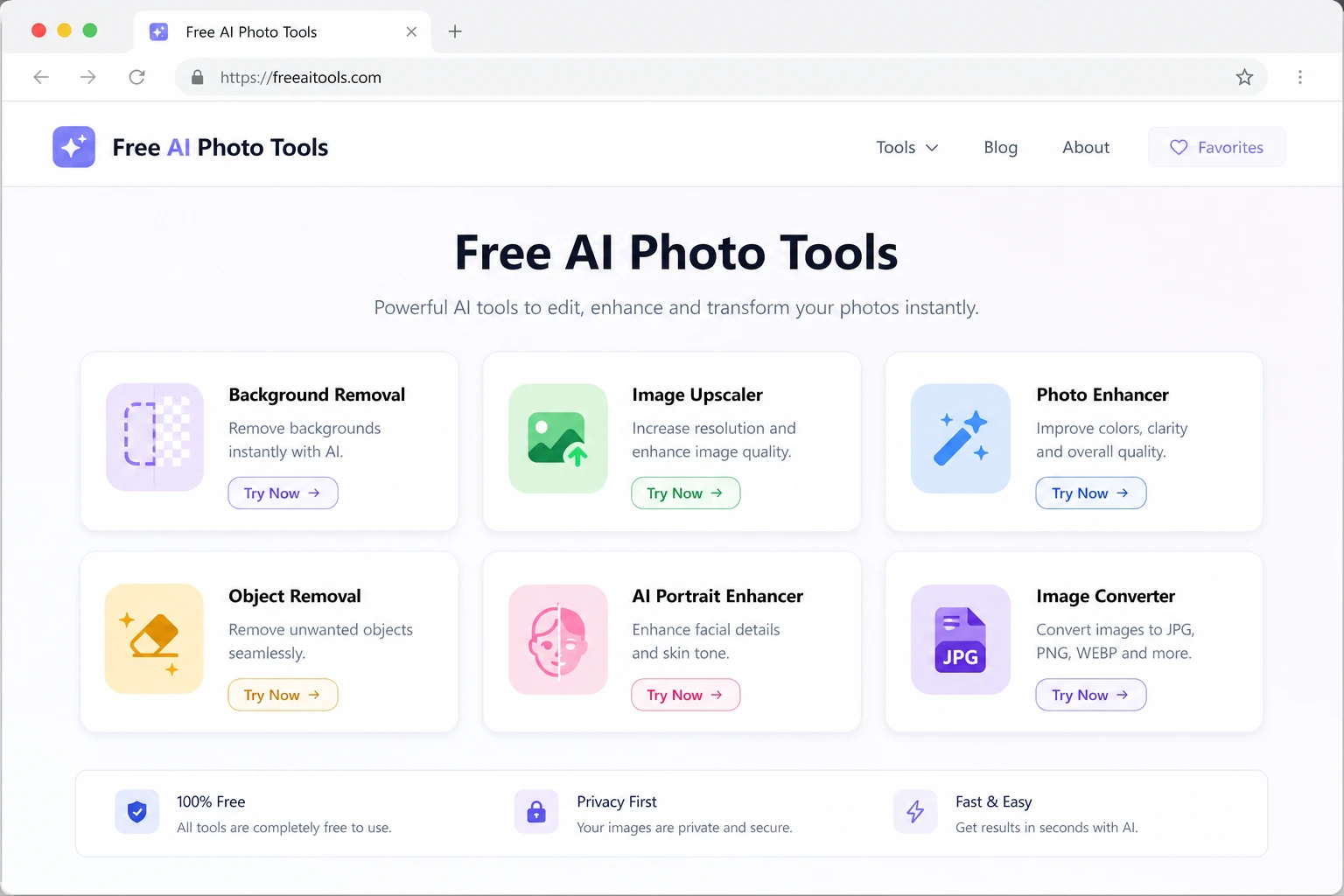
16+ free AI tools

Quick fixes without signing in — remove backgrounds, upscale, crop, convert formats, and more, all in the browser.

  • No account required for core utilities; perfect for one-off tasks.
  • Same stone-and-purple experience as the main product — fast and distraction-free.

How ImageGenix works

From idea to finished image in minutes.

01

Upload or describe

Start with a photo to edit, a text prompt to generate, or a photo pack style to apply.

02

Generate

Preview results in the workbench. Adjust prompts, aspect ratio, and output count.

03

Save to Gallery

Download your favorites or keep everything organized in your personal gallery.

Free AI tools in your browser

Remove backgrounds, upscale, convert formats, restore old photos, and more — 100% free.

Browse free tools

Made with ImageGenix

See what's possible

Real outputs across editing, generation, and photo packs.

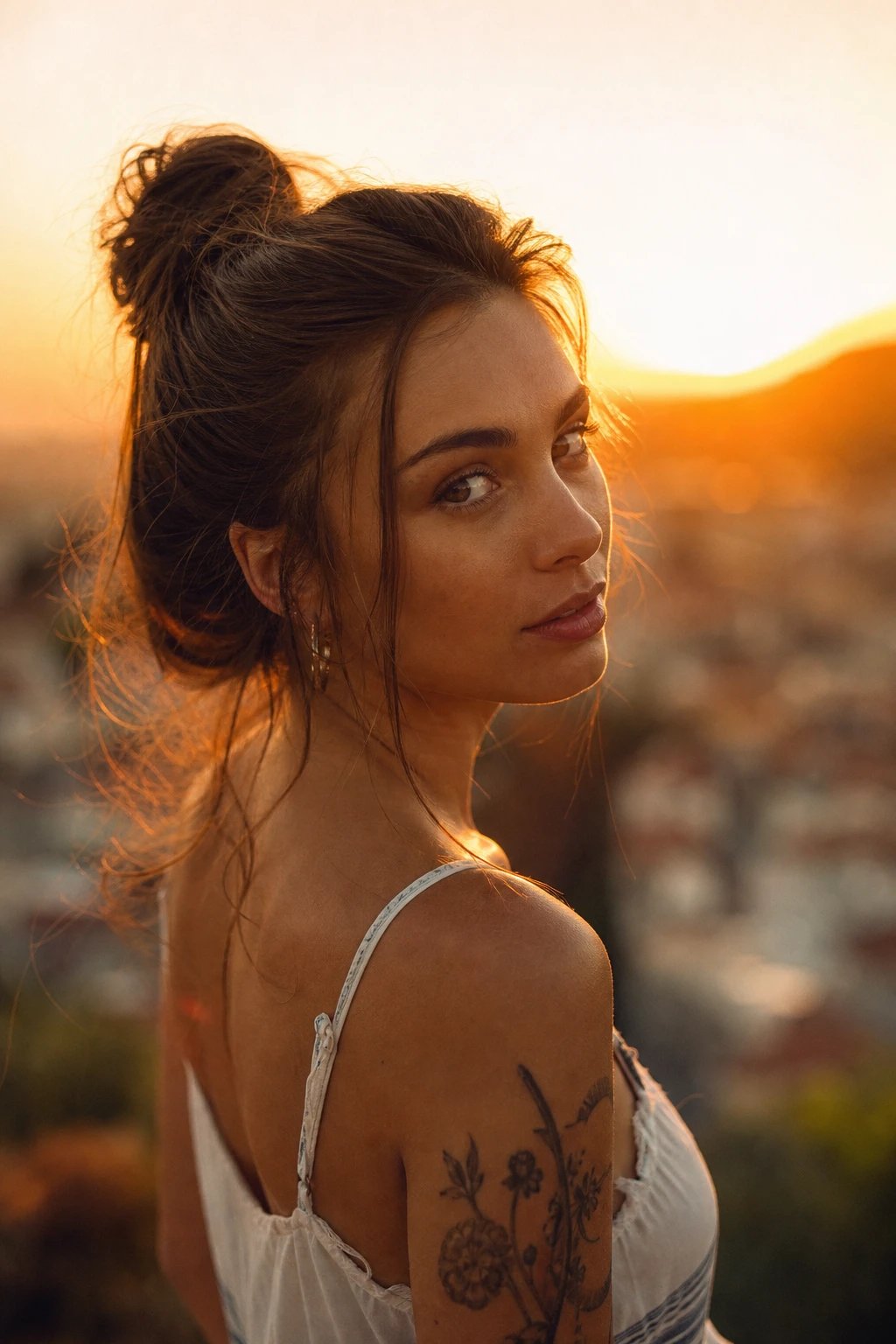
Golden-hour relightEdit

Golden-hour relight

Transform flat lighting into warm sunset tones with one prompt.
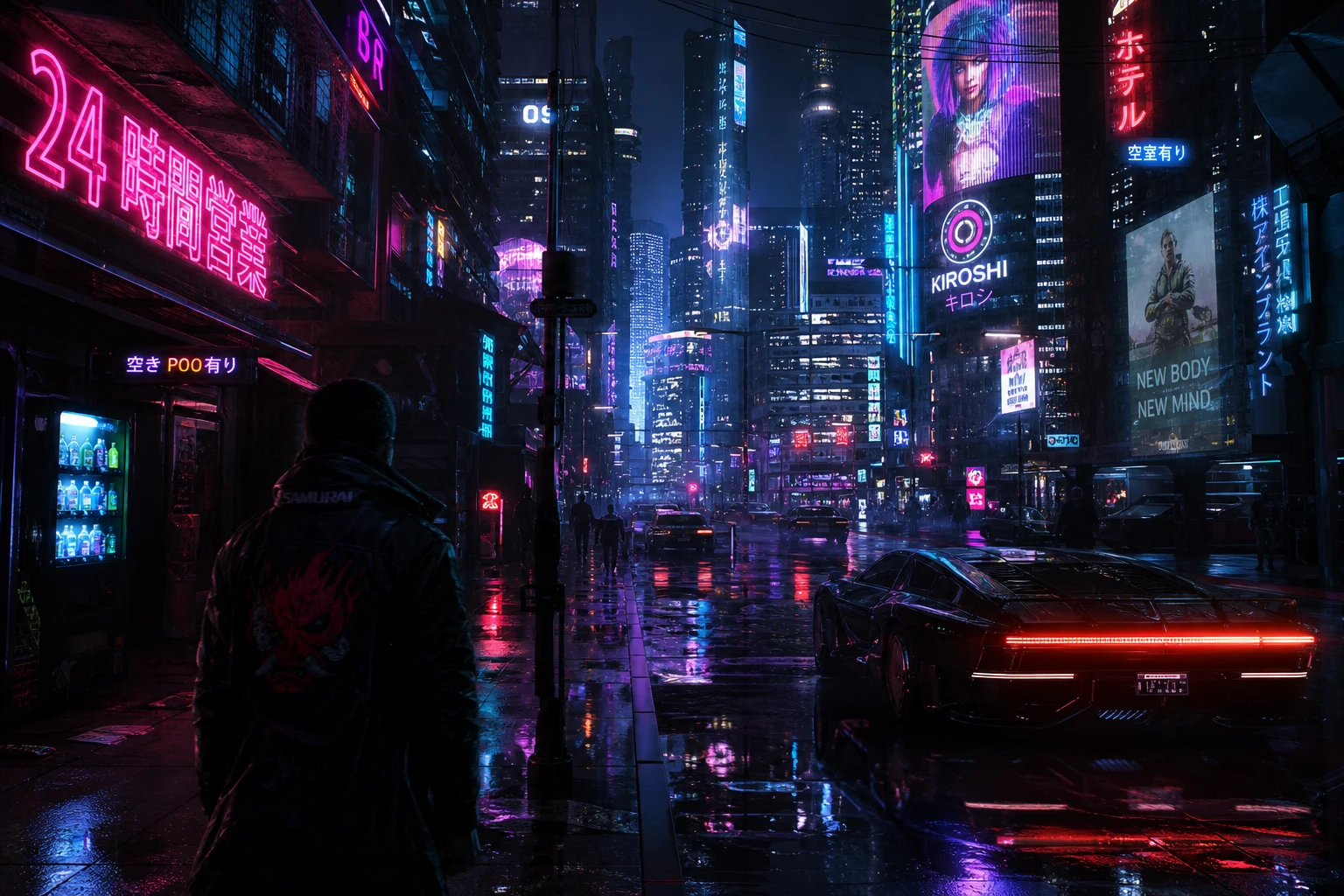
Cyberpunk cityscapeText-to-Image

Cyberpunk cityscape

Generated from text — neon streets reflected in rain.

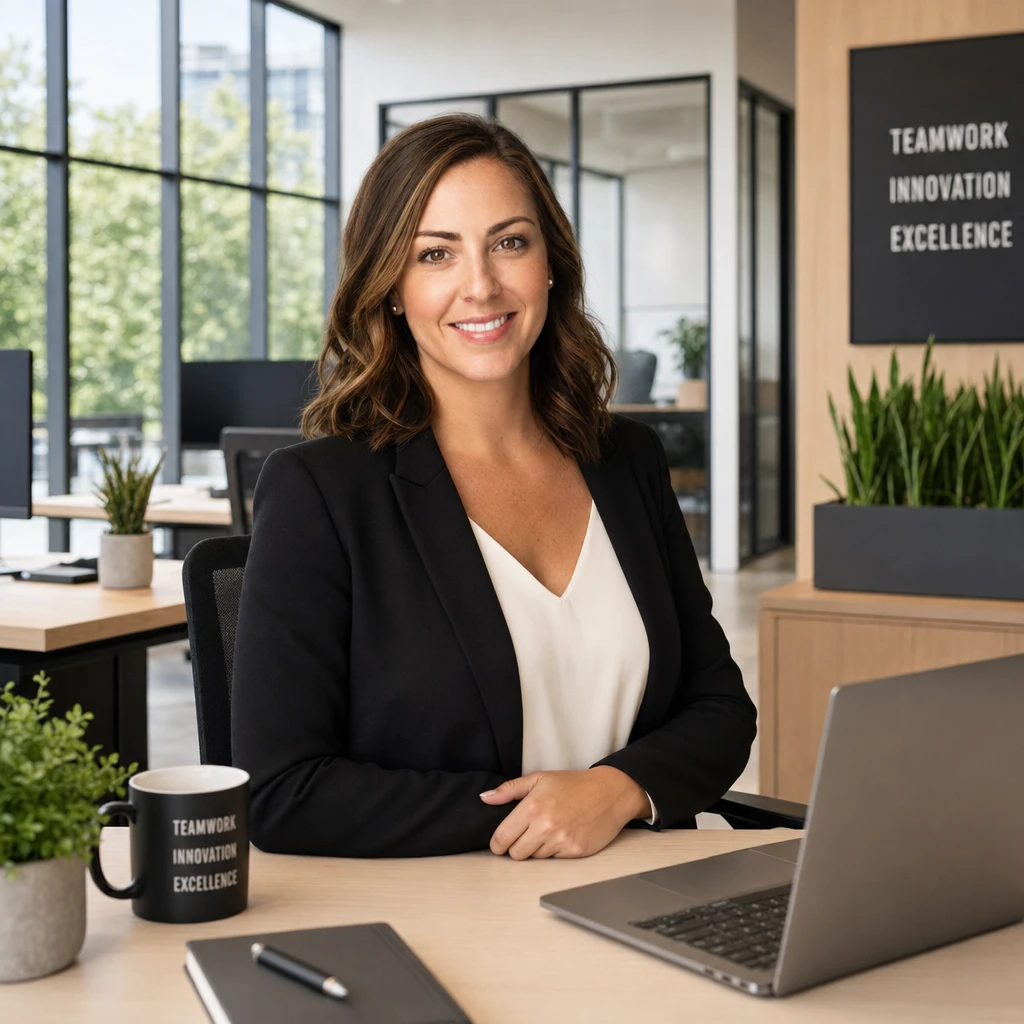
Professional headshotsPhoto Pack

Professional headshots

Photo pack output from a single selfie upload.
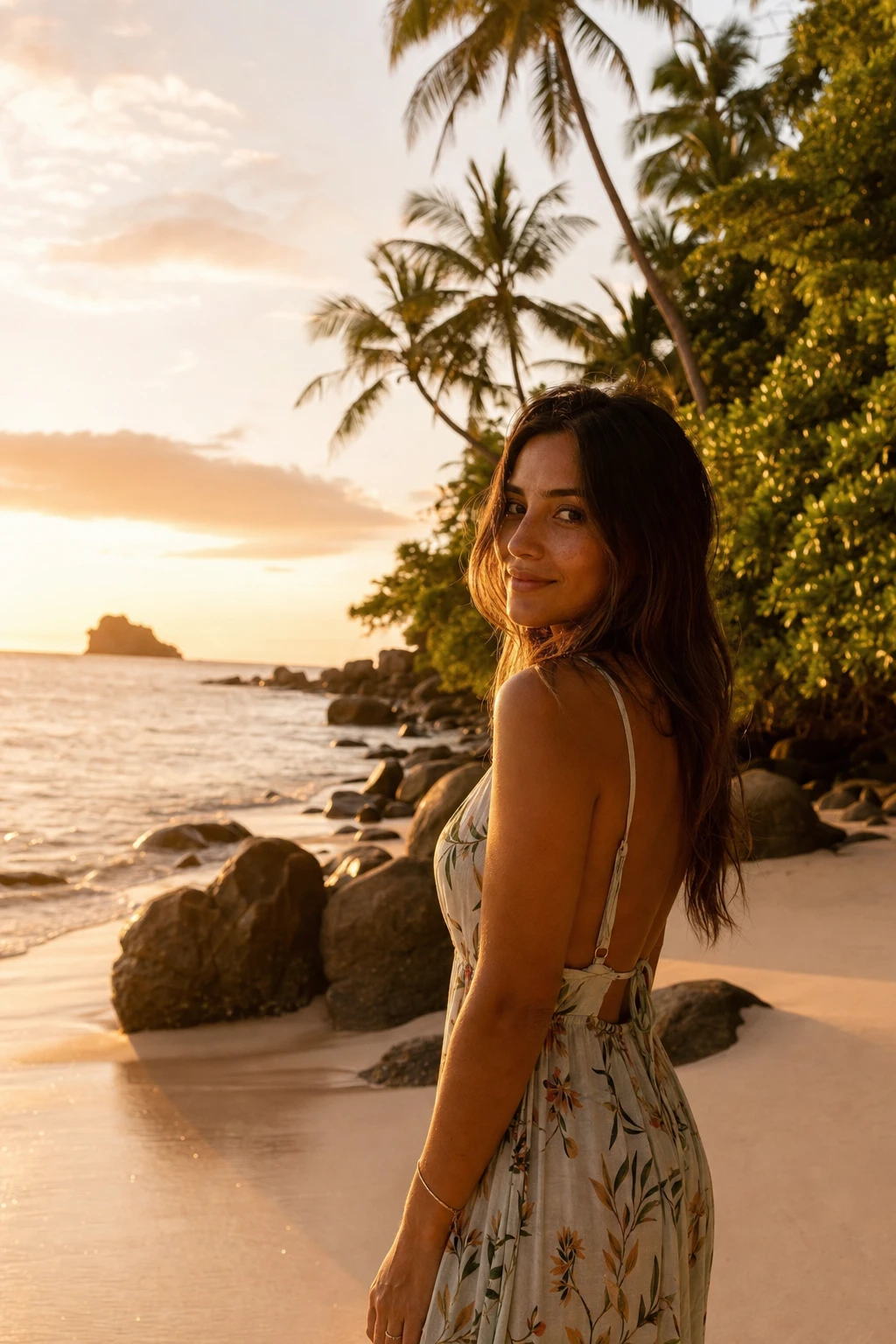
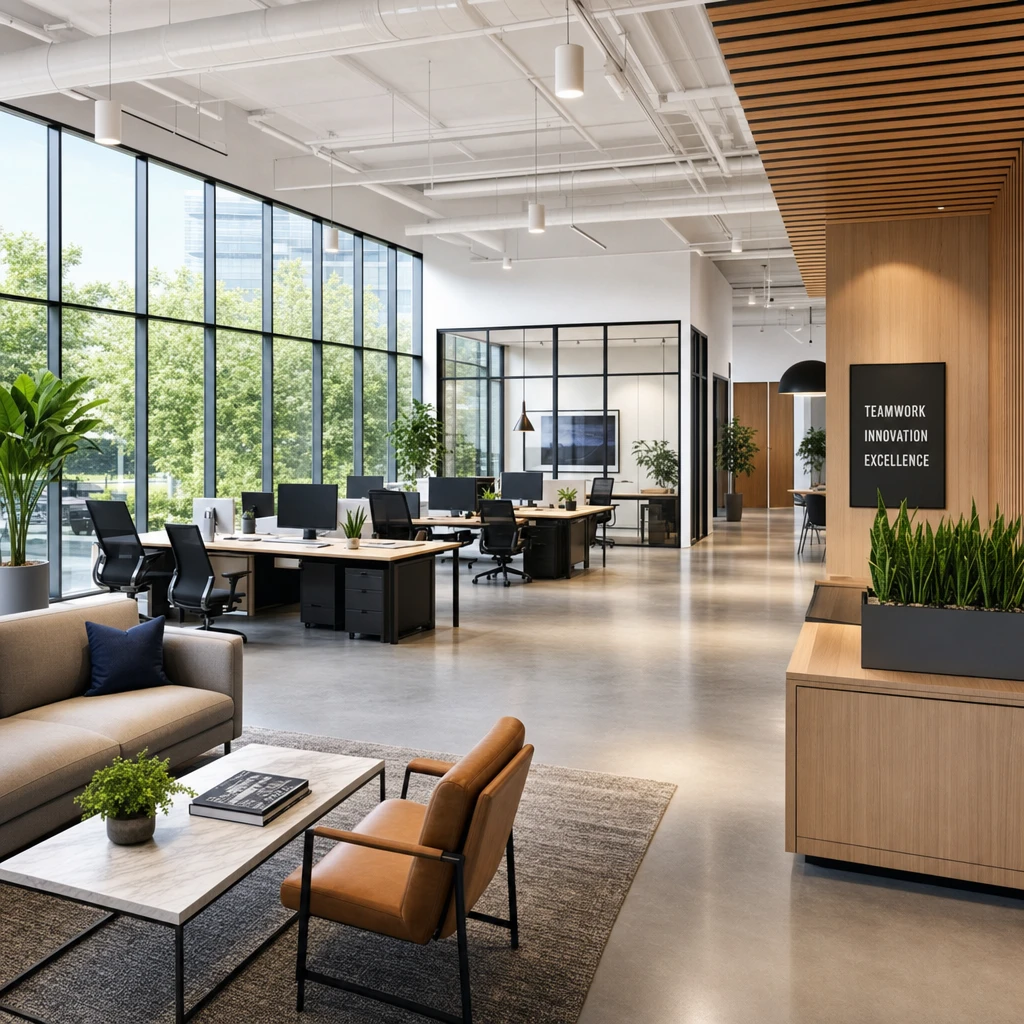
Background swapEdit

Background swap

Move a portrait from studio to a tropical beach.
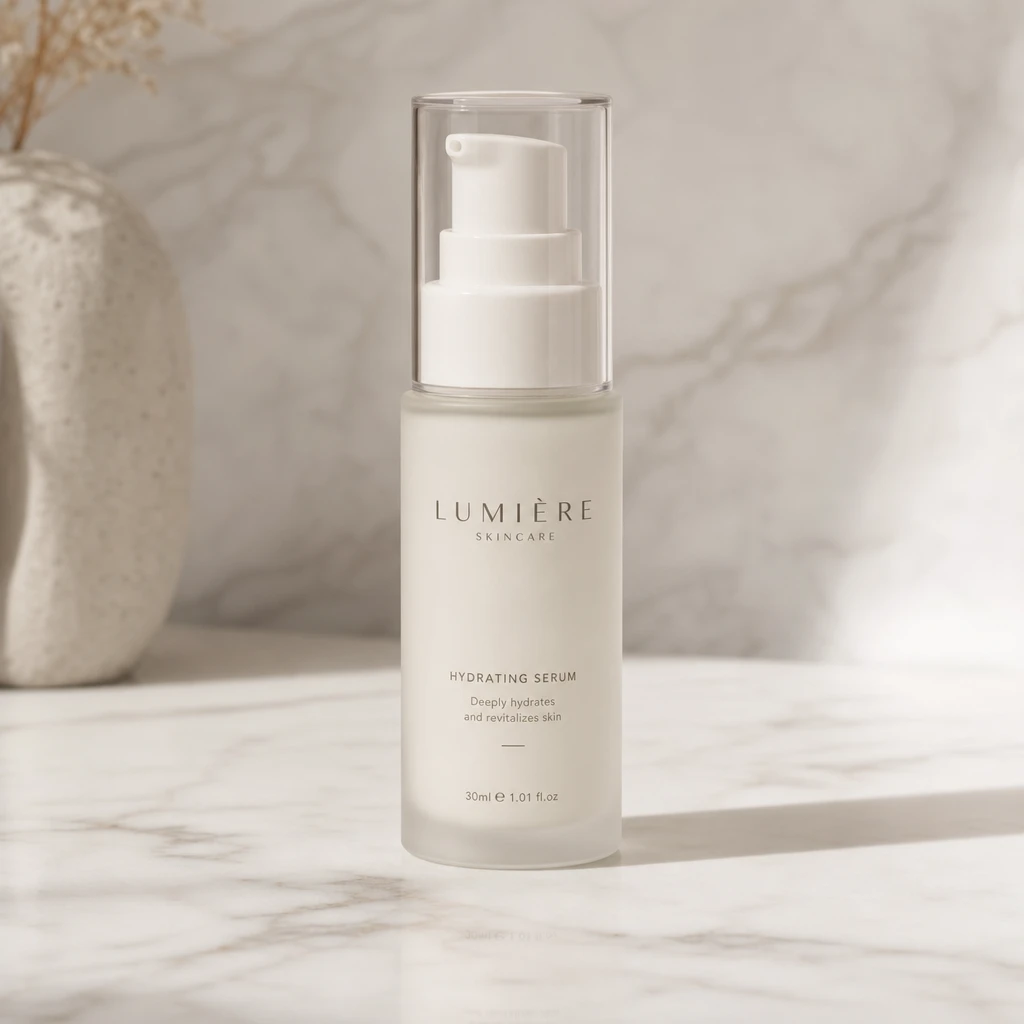
Product mockupText-to-Image

Product mockup

Clean studio product shot generated from a description.
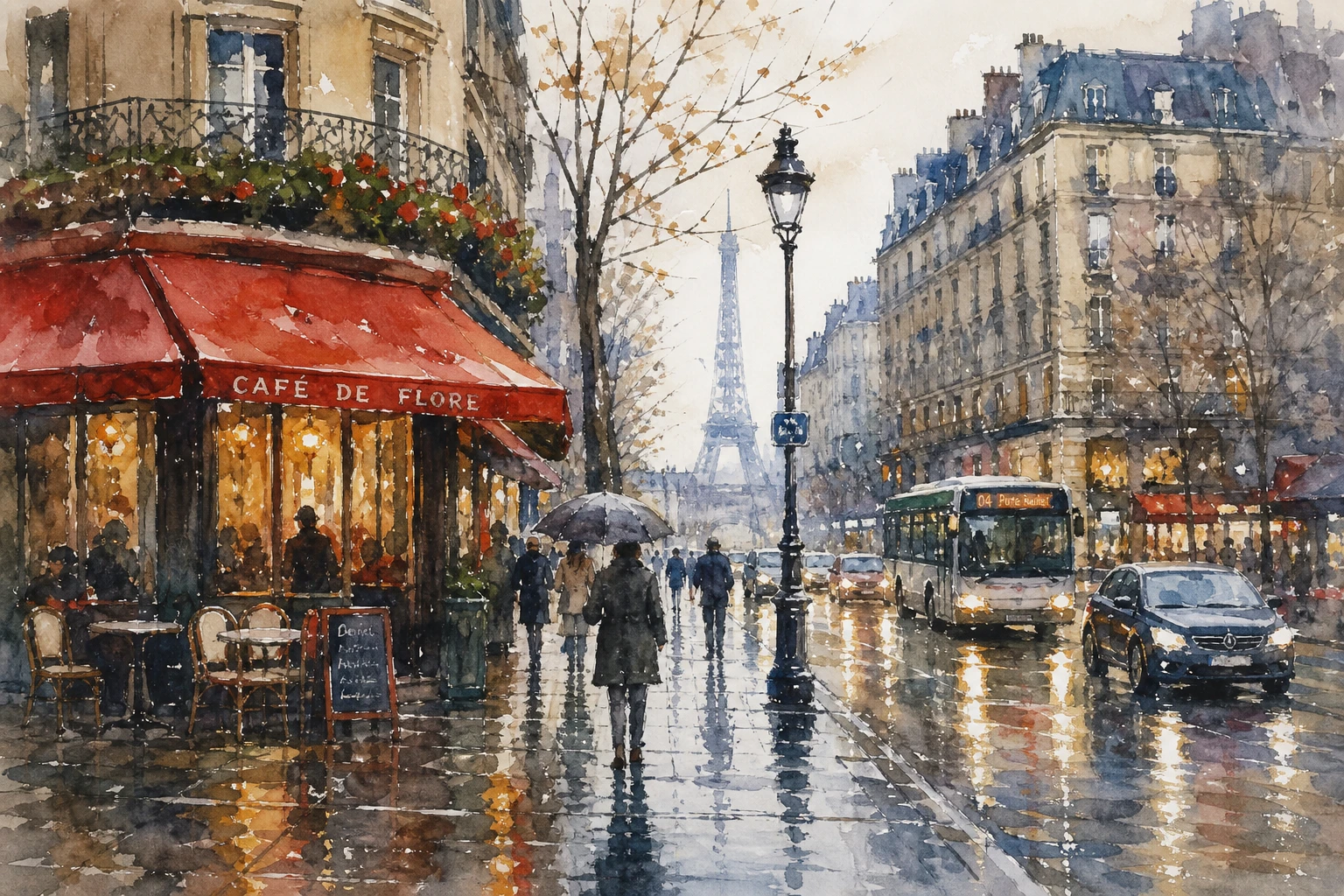
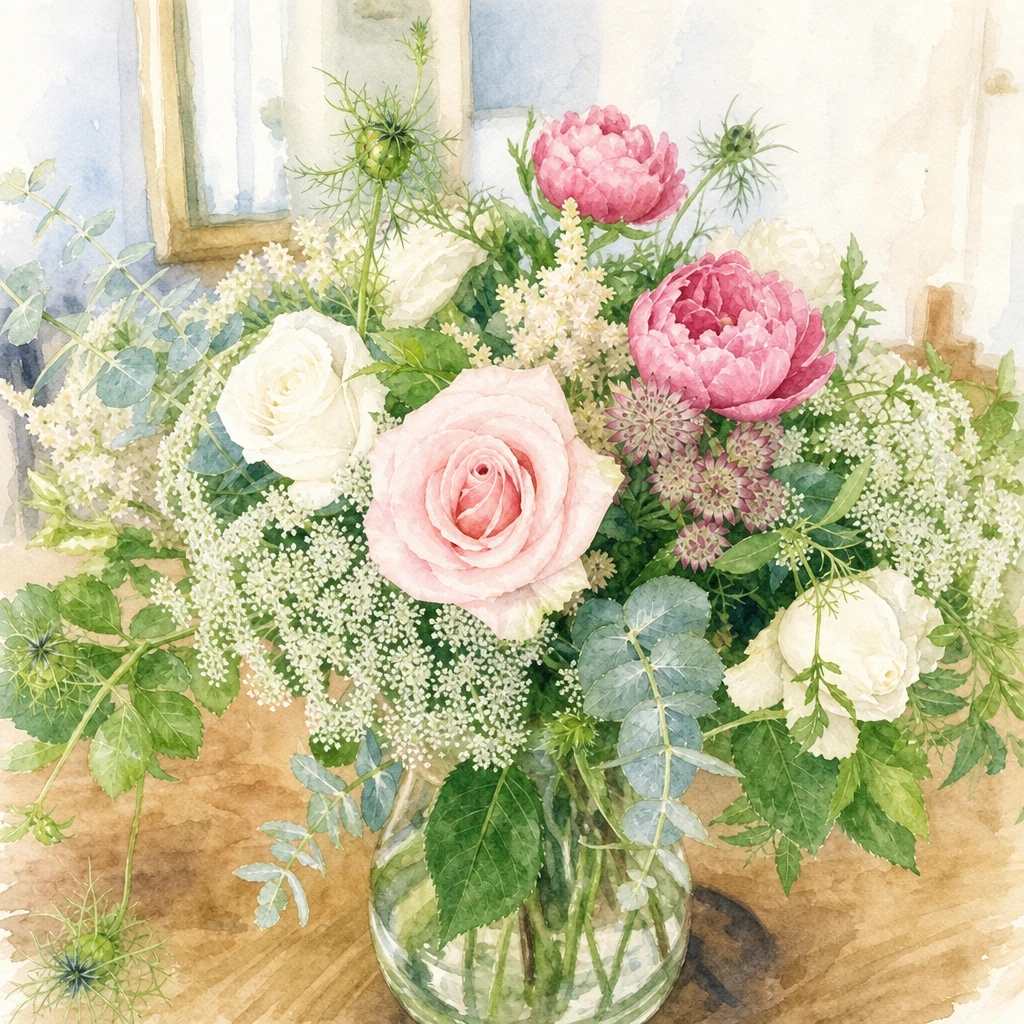
Watercolor styleEdit

Watercolor style

Turn a photo into a painterly illustration.
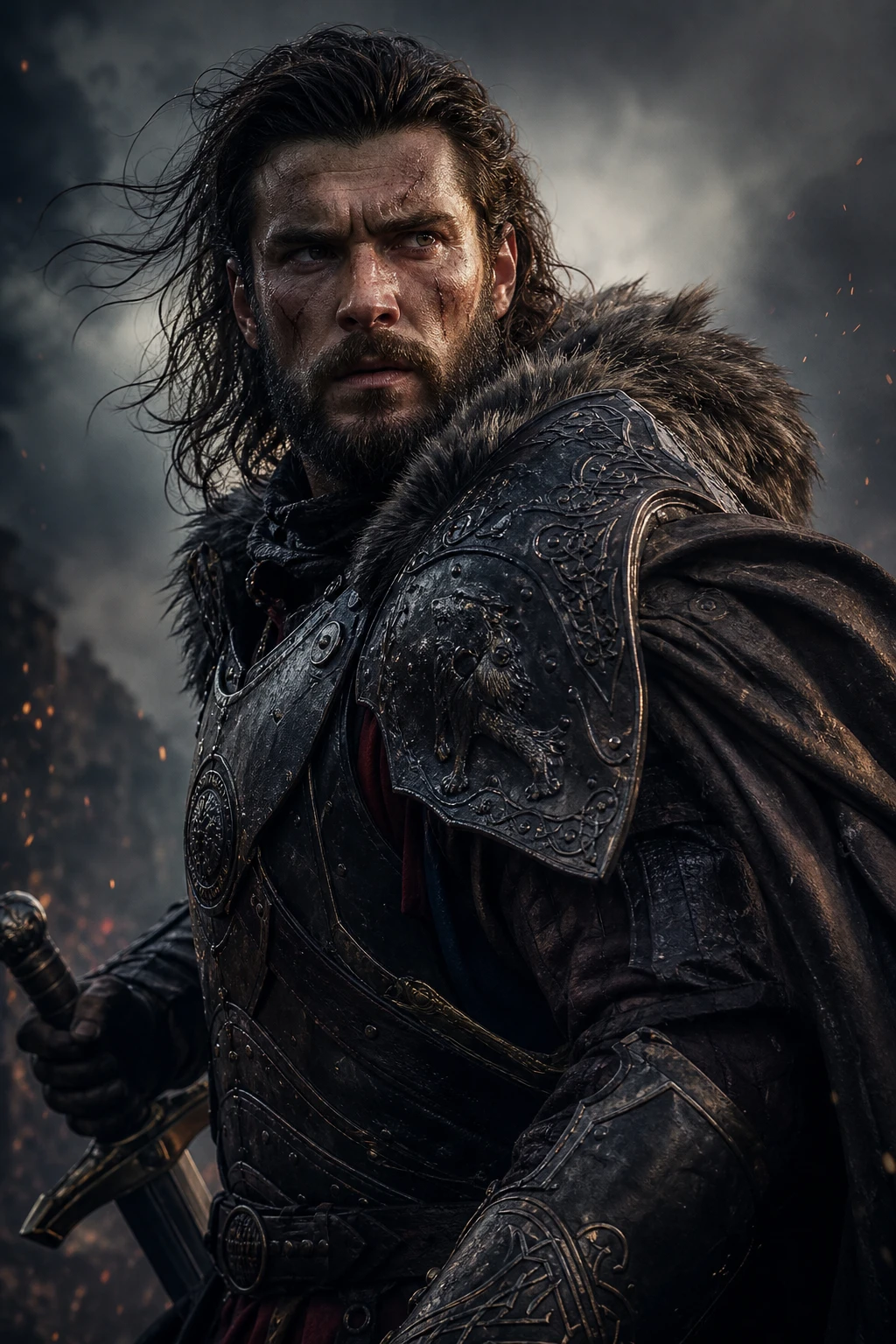
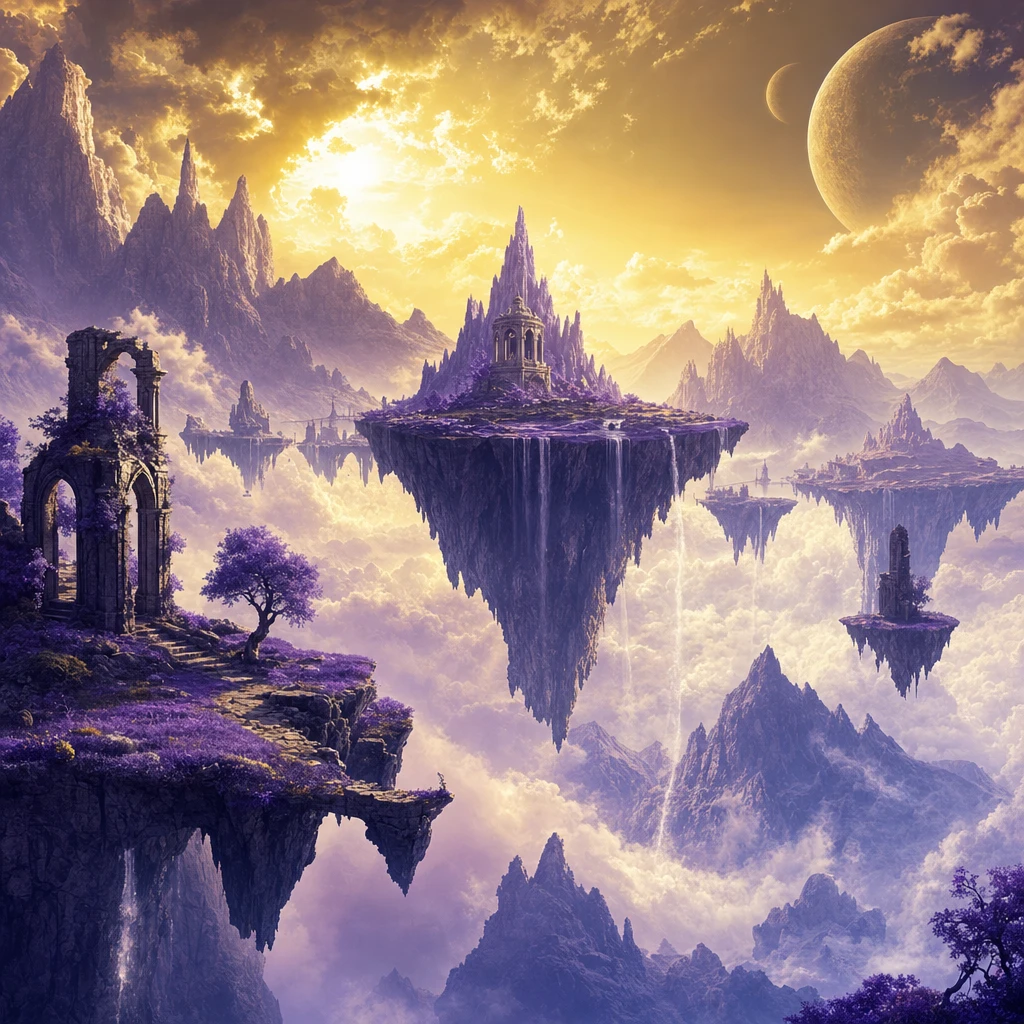
Fantasy portraitText-to-Image

Fantasy portrait

Cinematic character art from a detailed prompt.
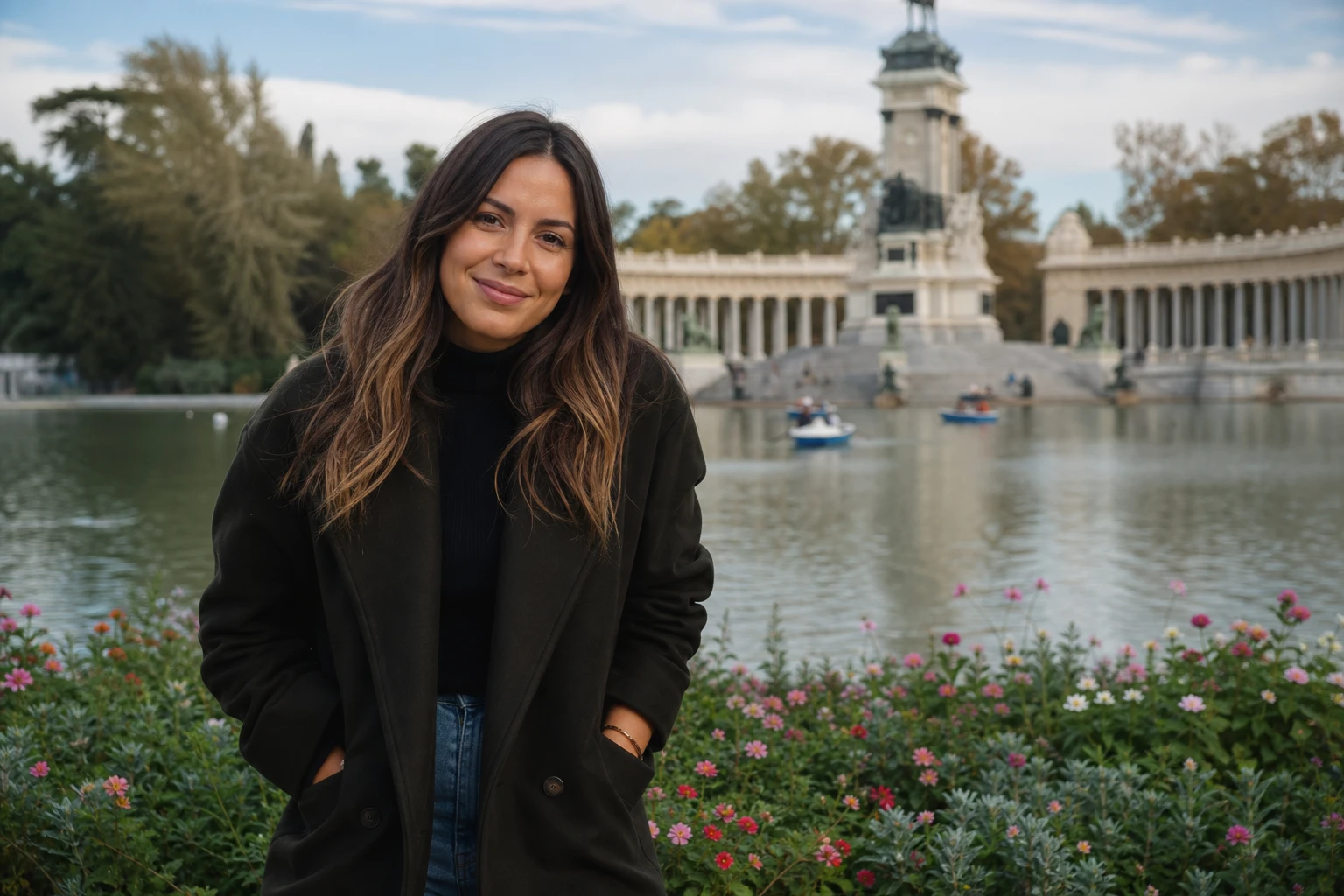
Lifestyle packPhoto Pack

Lifestyle pack

Consistent outdoor shoot across multiple poses.

Start creating with ImageGenix

Upload a photo, write a prompt, or browse photo packs — your next image is one click away.